Add your logo
Replace the Asta logo on the dashboard and the player app. Professional
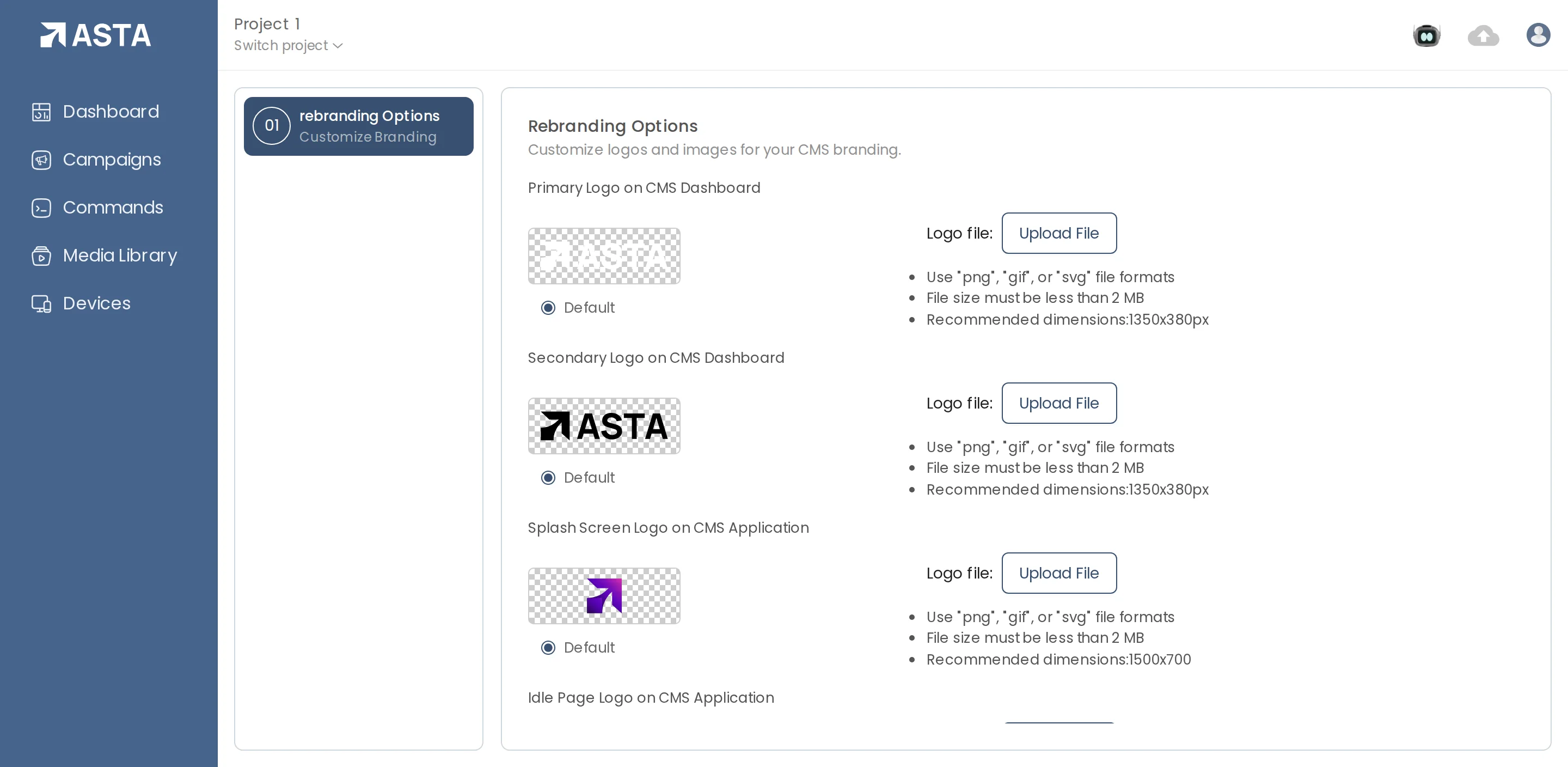
- Open the profile menu and choose Control Panel.
- Under Rebranding Options, click Upload File next to the place you want your logo.
- Choose a PNG, GIF or SVG under 2 MB, at the recommended size shown next to it.
- Primary and Secondary Logo on CMS Dashboard: the Asta dashboard your team signs in to.
- Splash Screen, Idle Page and Hamburger Menu Logo: the player app on your screens.
Choose Default at any time to go back to the Asta logo.
Can't find what you need?
Email support@futureik.com and a person from our team will reply.