Upload files
Add pictures and videos to the Media Library.
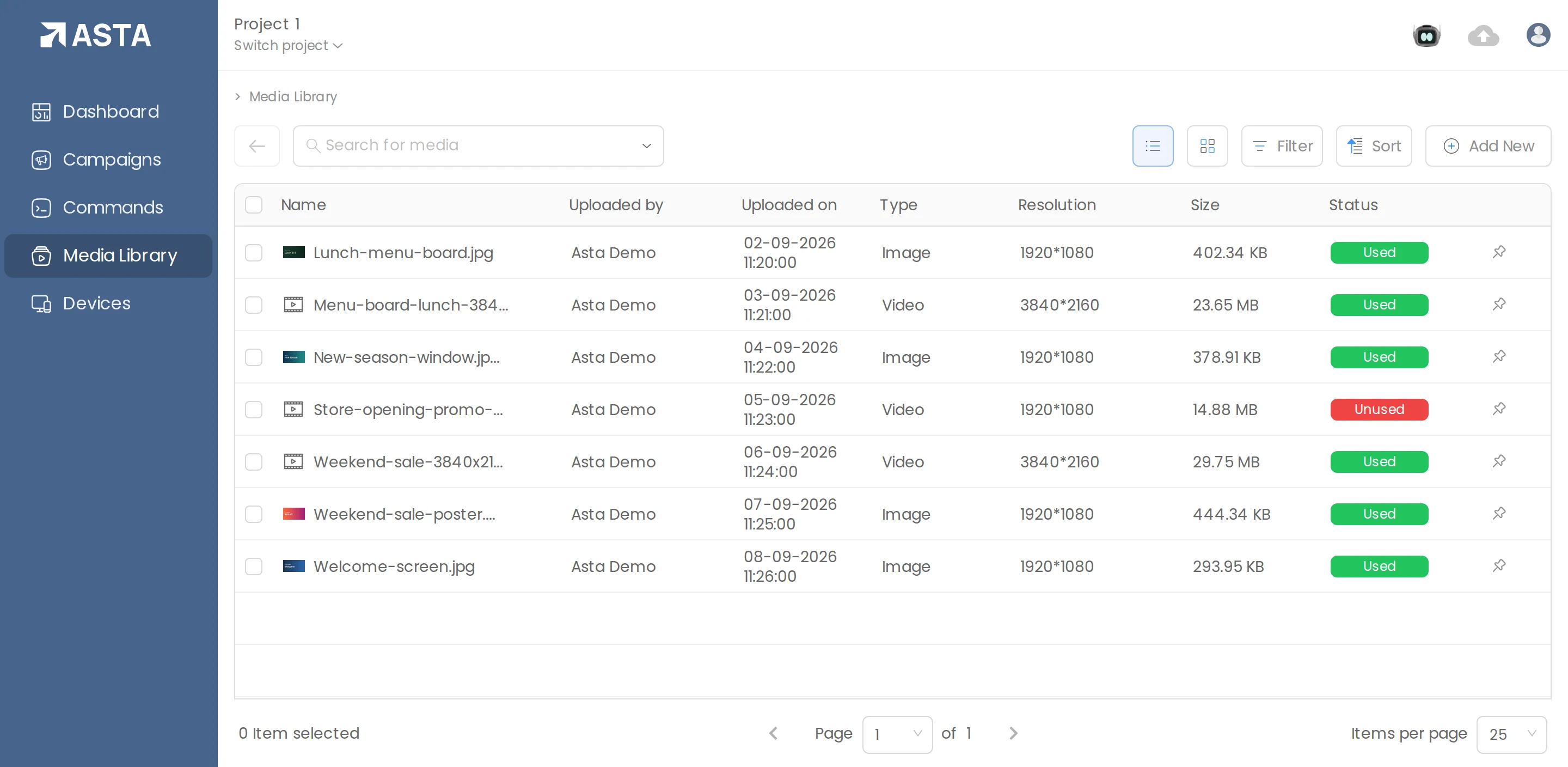
- Go to Media Library.
- Optional: click Add New, then Folder, to keep files grouped, such as "Menus" or "Offers".
- Click Add New, then File, and drop your files in or click choose file. You can add several at once.
- Watch the progress with the cloud icon at the top right. You don't need to stay on the page.
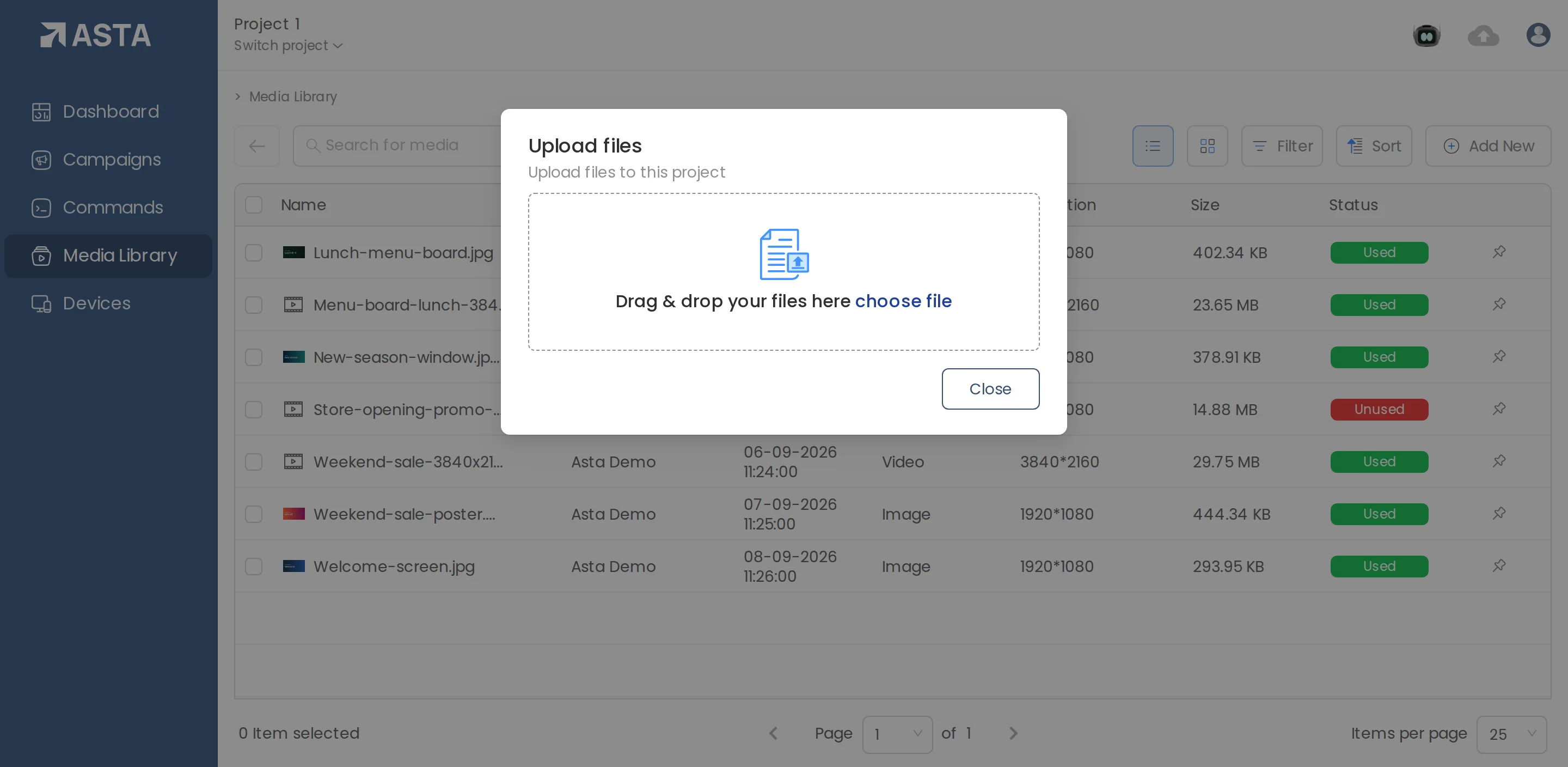
Videos are processed after upload so every screen can play them. They appear in the list when they're ready.
Can't find what you need?
Email support@futureik.com and a person from our team will reply.