How Asta works
Screens, media, campaigns and commands: the four things you work with.
Asta puts your pictures, videos and messages on screens, and lets you run all of them from a browser. Everything you do happens in four places, all in the menu on the left.
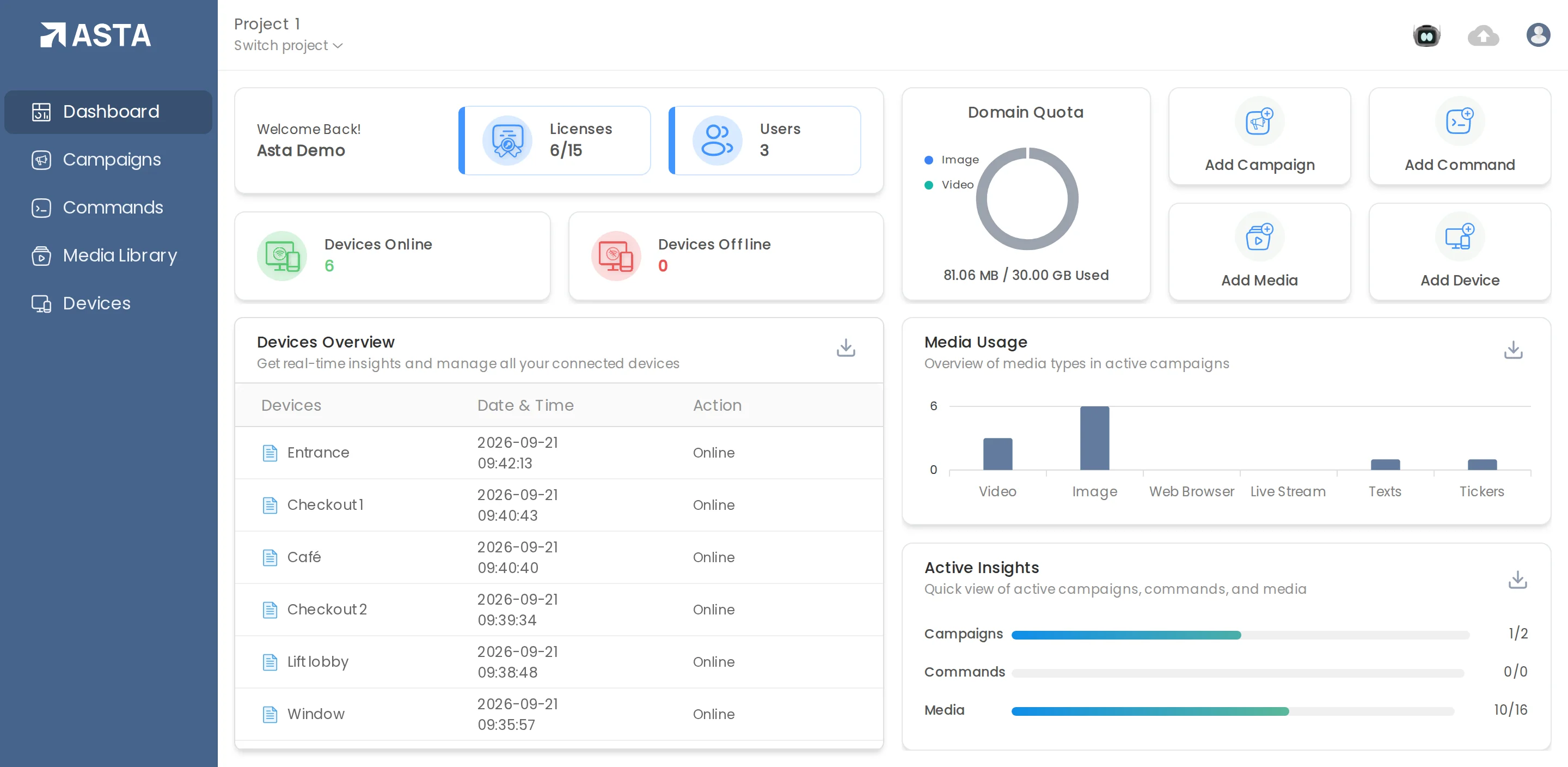
- Devices are your screens. Each one runs the Asta player app on an Android player or screen.
- Media Library holds your files: pictures and videos you upload once and use again.
- Campaigns say what plays, when it plays, and on which screens.
- Commands are instructions for screens, such as restart or brightness. They're part of Professional.
The Dashboard ties it together: how many screens are online, how much storage you've used, and shortcuts to add a campaign, a command, media or a device.
Can't find what you need?
Email support@futureik.com and a person from our team will reply.