Create a campaign
Start a new campaign and name it.
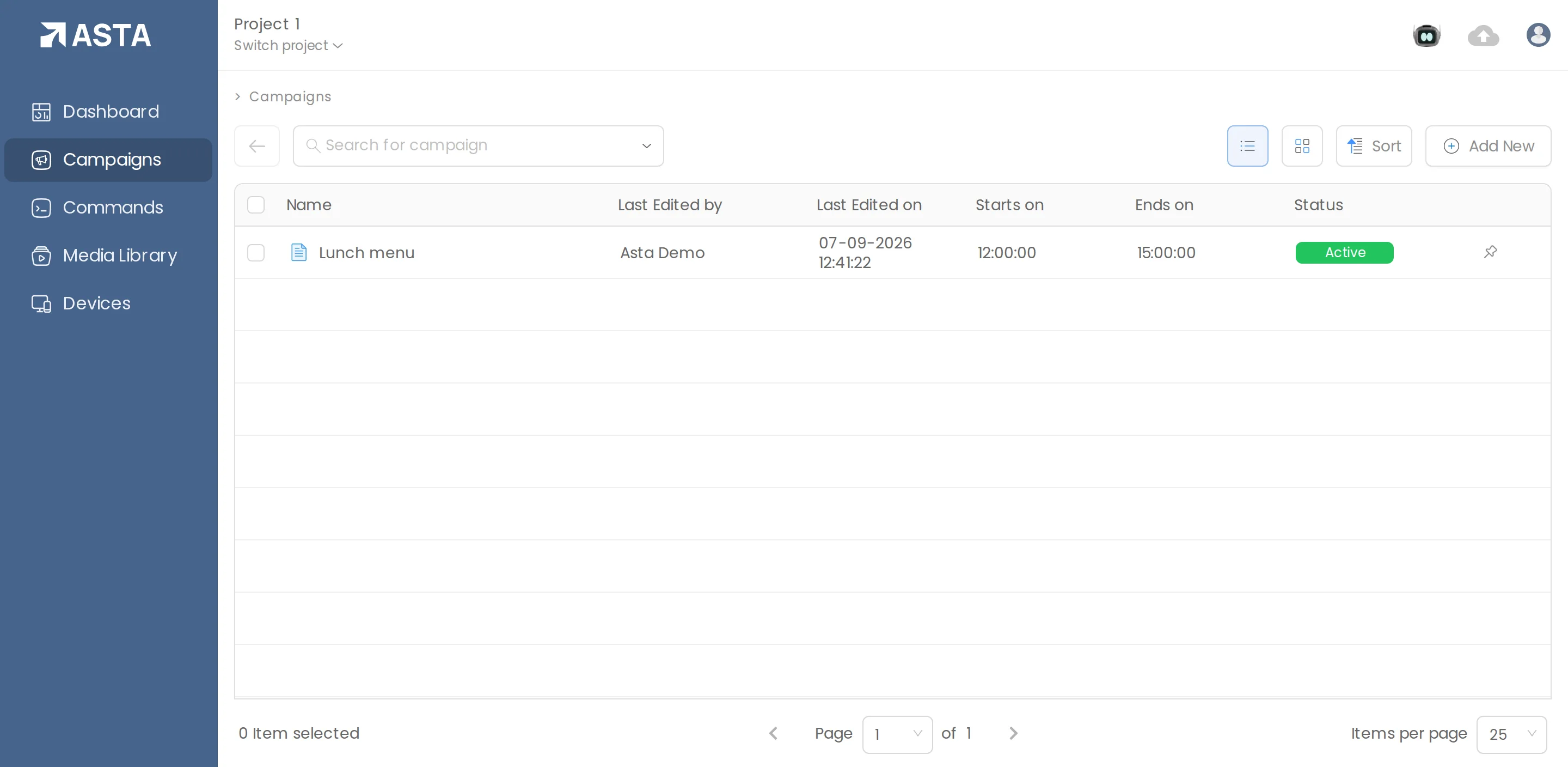
- Go to Campaigns and click Add New, then File.
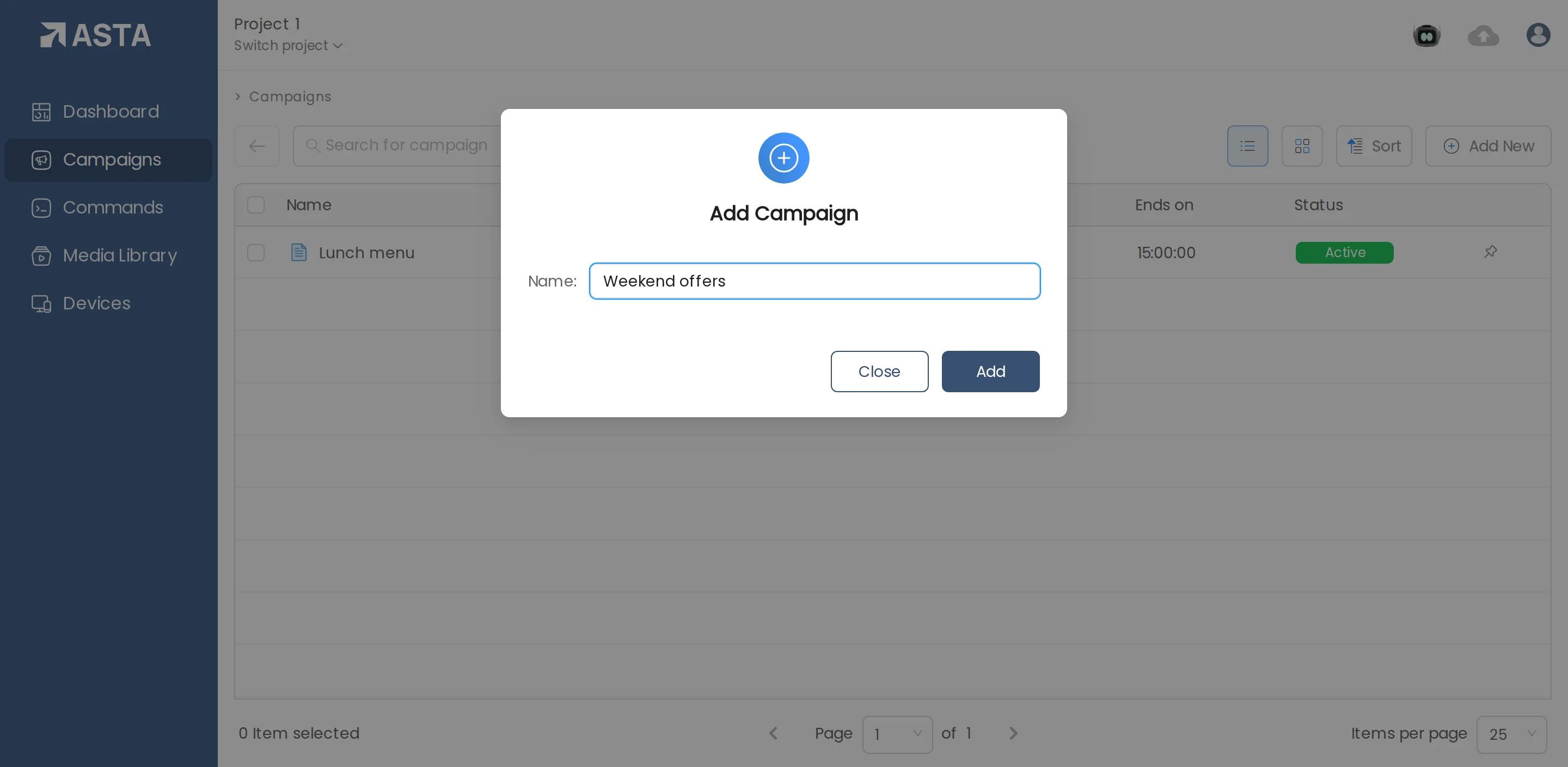
- Give it a name your team will recognise, such as "Weekend offers".
- Click Add. The campaign editor opens.
The editor has four steps along the top: Content Setup, Scheduling, Devices and Settings. Click Save at any time to keep a draft.
Can't find what you need?
Email support@futureik.com and a person from our team will reply.