Login security
A one-time code by email at every sign-in. Professional
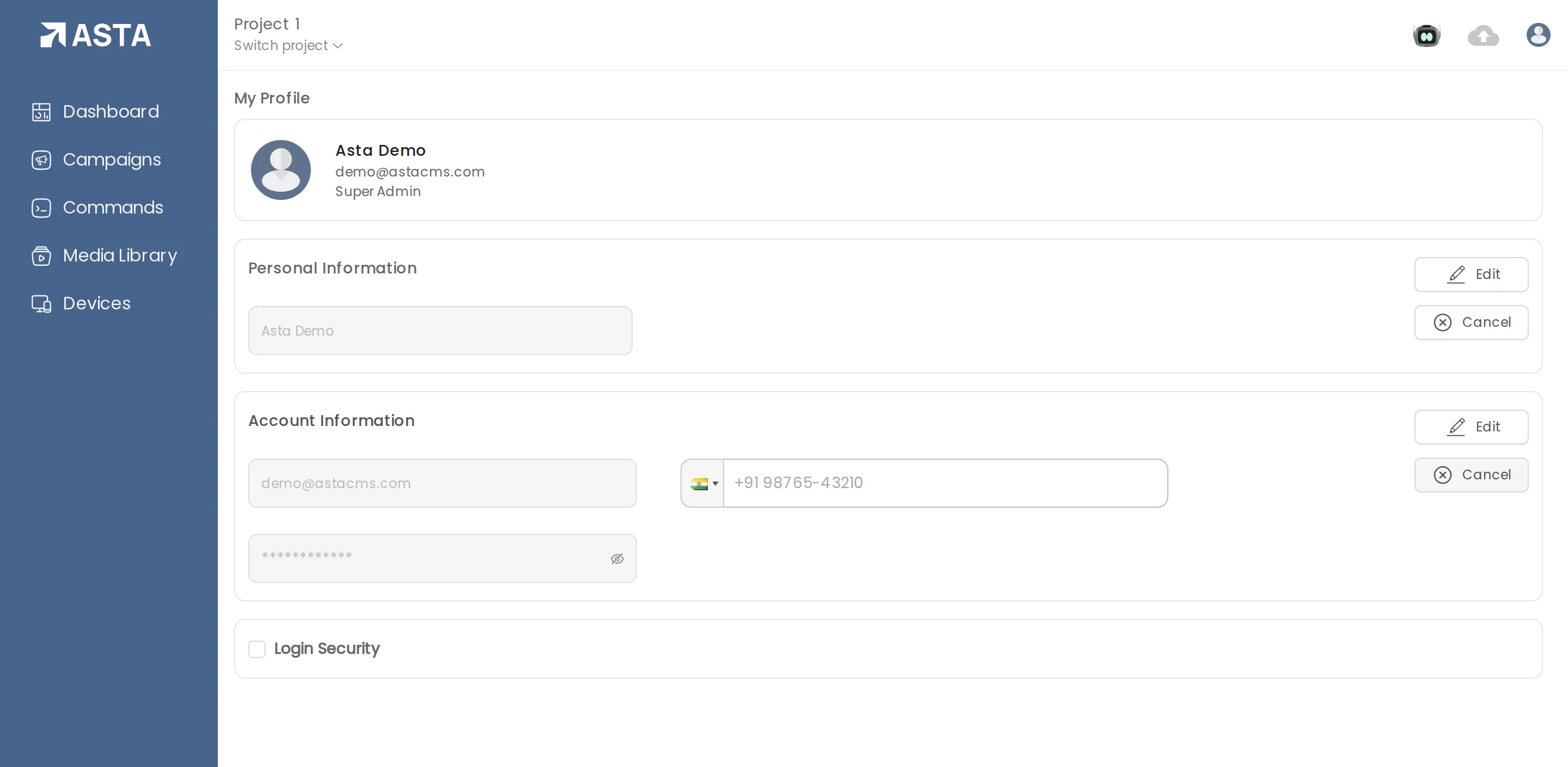
- Open the profile menu and choose Account.
- Tick Login Security and confirm with Enable.
- From then on, signing in asks for a code sent to your email.
Your IT or security team may require this before approving any software. You can edit your name, email, phone and password on the same page.
Can't find what you need?
Email support@futureik.com and a person from our team will reply.