Roles and permissions
Decide exactly what each role can do. Professional
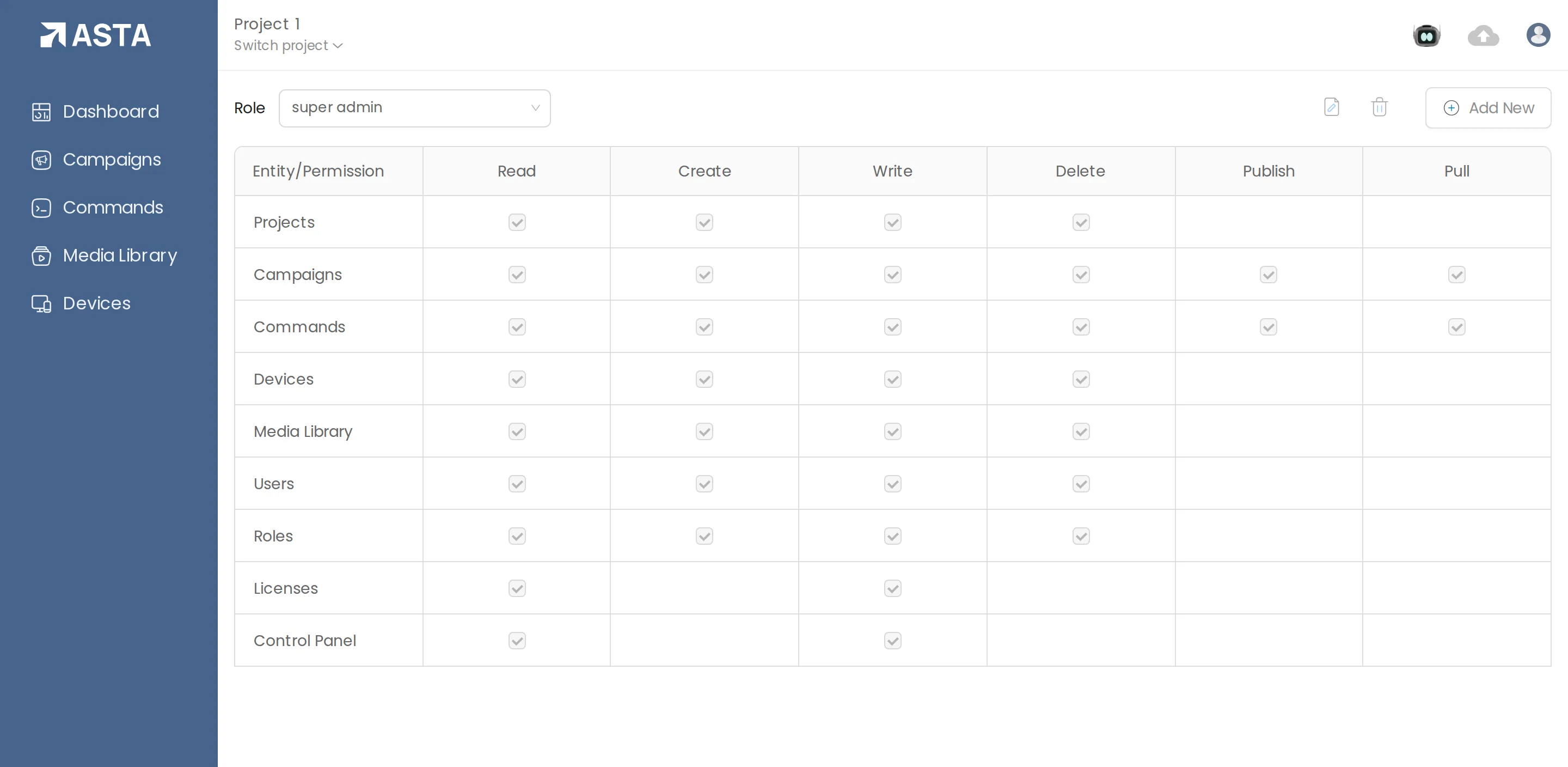
A role sets what people can do in each part of Asta: Read, Create, Write and Delete, plus Publish and Pull for campaigns and commands. A store manager, for example, can publish campaigns without being able to change the screens.
- Open the profile menu and choose Roles.
- Click Add New, name the role, and tick what it may do.
- Give the role to people on the Users page.
Can't find what you need?
Email support@futureik.com and a person from our team will reply.