Publish, and take it off
Send a campaign to its screens, and remove it later.
Click Publish at the bottom of the editor. Asta asks once to confirm.
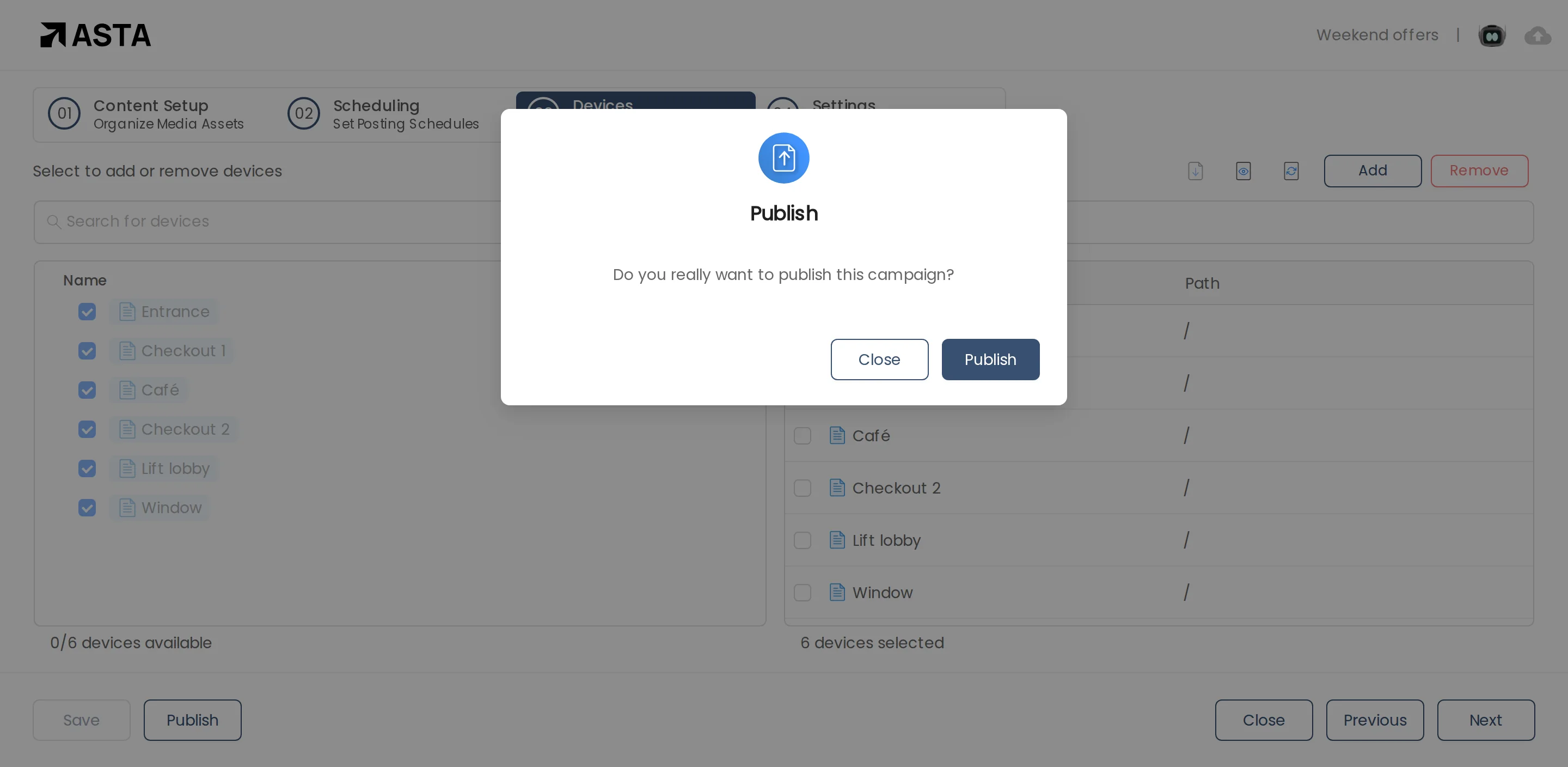
Each screen downloads the files first, then switches over, so nothing half-loaded ever shows. The campaign shows as Active in the list.
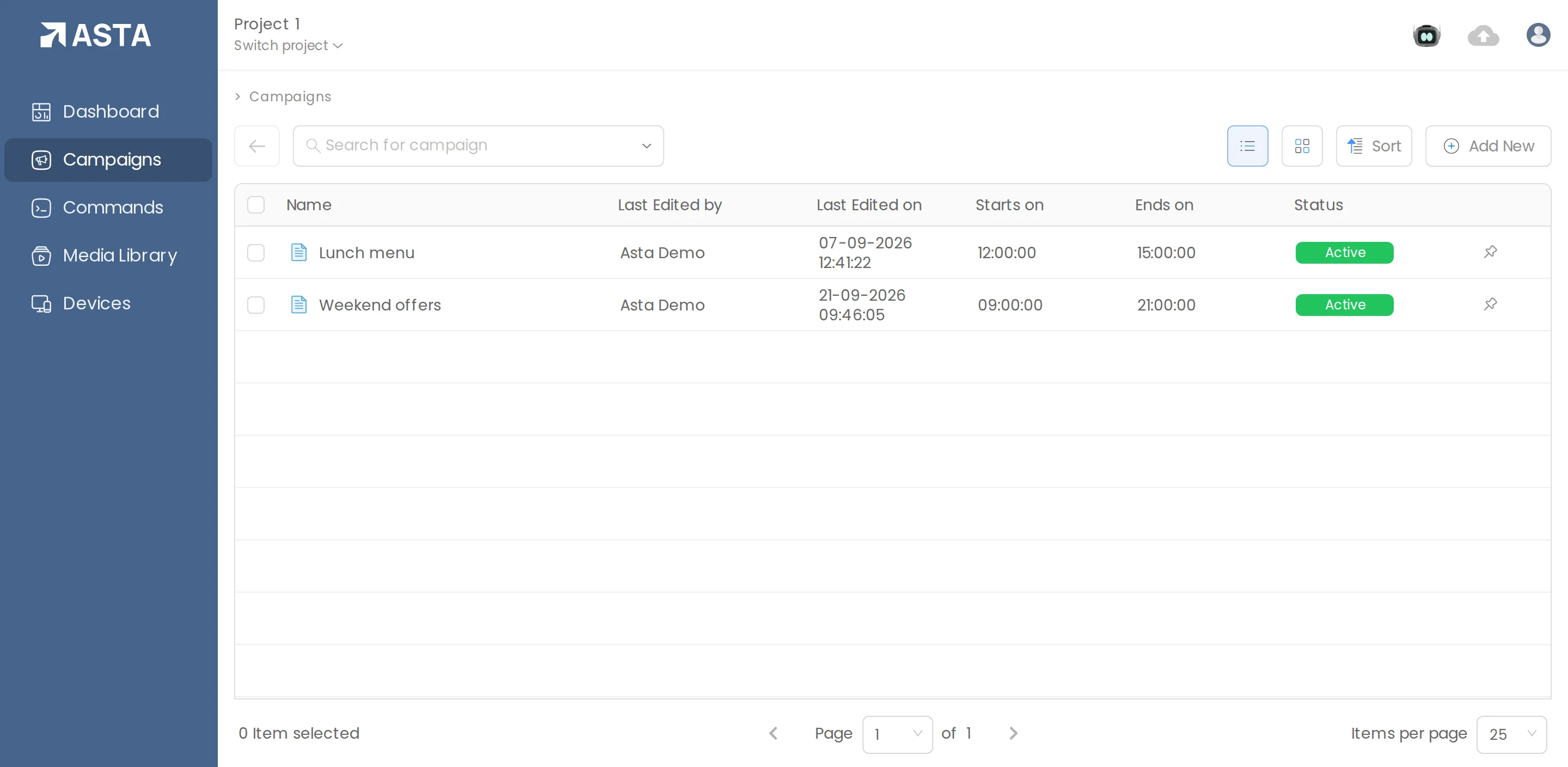
Save keeps a draft without sending anything. To take a published campaign off its screens, open it and use Pull from the same menu.
Can't find what you need?
Email support@futureik.com and a person from our team will reply.