Choose the screens
Pick which screens get the campaign.
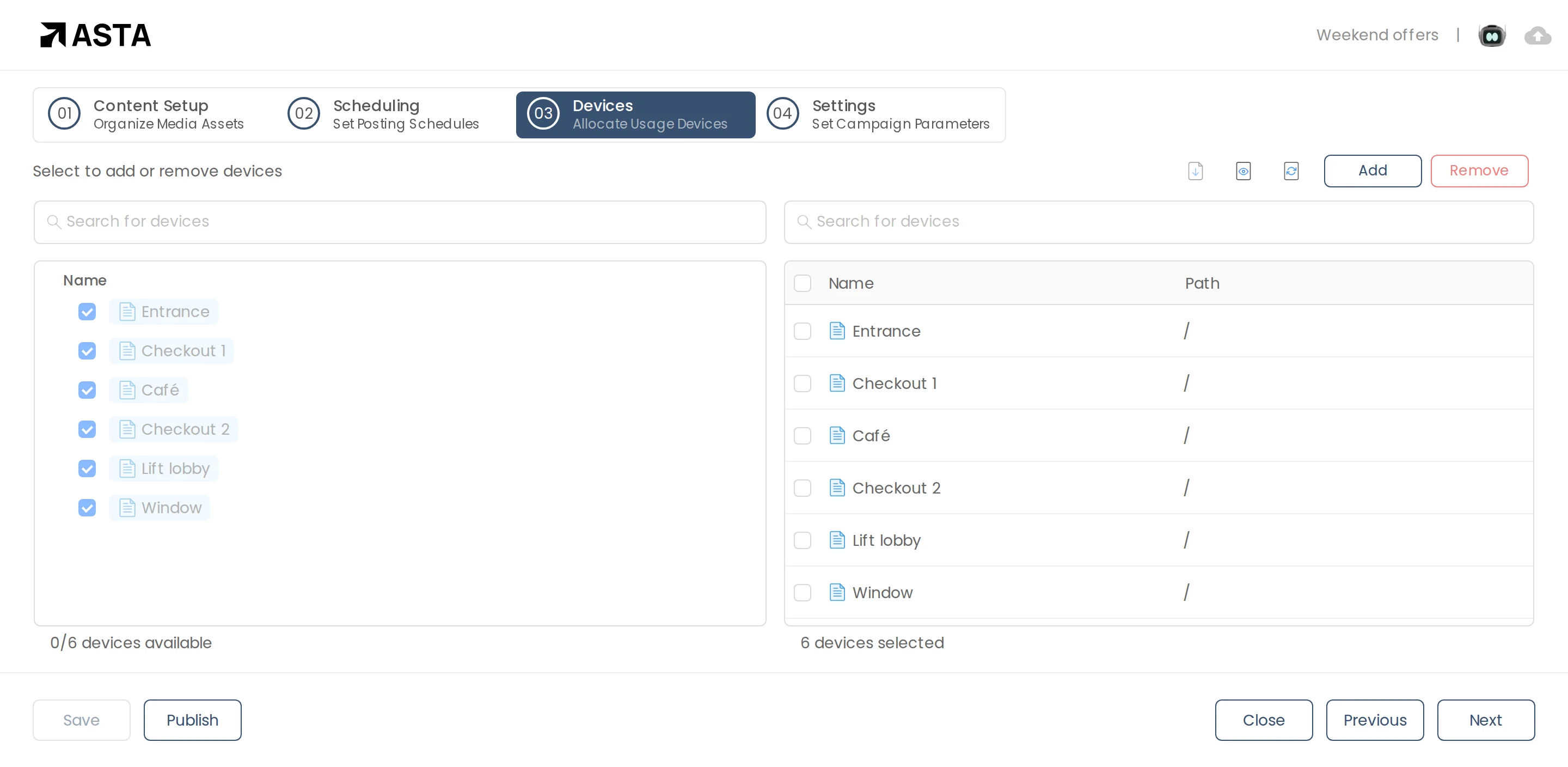
- Click Next to go to Devices.
- Tick the screens you want and click Add. They move to the list on the right.
- To take one off, tick it on the right and click Remove.
Can't find what you need?
Email support@futureik.com and a person from our team will reply.